You know how annoying it feels when a chunky charger blocks other outlets. Finding the right surge protector for big plugs can save you from that headache. You want your devices to stay safe and work together without hassle. Pay attention to outlet spacing, safety ratings, and protection features. With the right choice, you keep your gadgets powered up and protected.
Ready to learn what makes a good one? Let’s get started!
Why Big Plugs Need Special Surge Protectors
If you use devices with large plugs or chunky adapters, you know the struggle. Standard surge protectors often have outlets too close together. When you plug in a big adapter, it blocks the next outlet. Surge protectors designed for large plugs solve this problem. They offer wider spacing between outlets, so you can plug in all your devices without fighting for space.
Such a design makes it easy to insert and remove big plugs, and you won’t need extra adapters.
Surge protectors with wide outlets are a must if you have gaming consoles, smart home hubs, or power-hungry chargers.
You get both convenience and safety, keeping every device powered and protected.
Key Features of Surge Protectors for Big Plugs
When you shop for a surge protector for big plugs, you want more than just extra outlets. You need the right mix of safety, convenience, and voltage protection. Let’s break down the most important surge protector features that make a real difference for your setup.
Outlet Count and Spacing
You probably have a mix of chargers, adapters, and devices with oversized plugs. If you try to fit them all into a regular surge protector, you’ll run out of space fast. That’s why you should look for a surge protector for big plugs with at least eight AC outlets and wide spacing between each one. This design lets you plug in bulky adapters or right-angle plugs without blocking other outlets.
-
Wide outlet spacing makes it easy to use every slot, even with large transformers.
-
You won’t need to juggle plugs or buy extra adapters.
-
Devices with big plugs, like gaming consoles or smart home hubs, fit comfortably.
Tip: Always check the outlet layout before you buy. Sufficient space between outlets means less frustration and more flexibility.
Joule Rating and Clamping Voltage
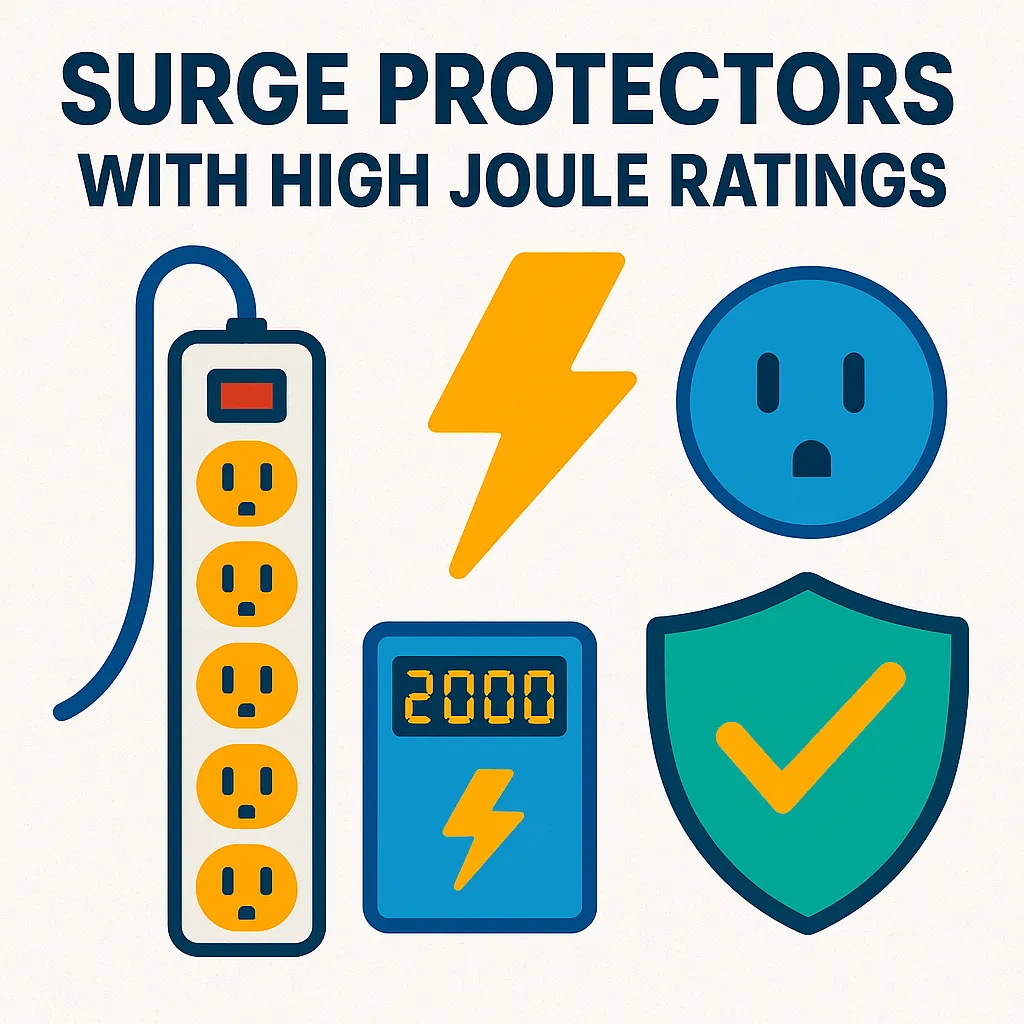
Not all surges are the same. Some are small, while others can fry your electronics in a flash. The joule rating tells you how much energy a surge protector can absorb before it stops working. For a surge protector for big plugs, you want a joule rating of at least 600, but higher is better if you have expensive gear.
High joule ratings mean longer-lasting voltage protection.
Clamping voltage is another key factor. It shows the maximum voltage that can reach your devices during a surge. Lower clamping voltage means better voltage protection. For example, some surge protectors keep let-through voltage as low as 182.8 volts, which is much safer than the UL standard of 400 volts.
-
Lower clamping voltage keeps your devices safer by blocking more of the surge.
-
You get peace of mind knowing your electronics have strong voltage protection.
UL Certification and Circuit Breaker
Safety should always come first. When you pick a surge protector for big plugs, look for the UL certification mark. Underwriters Laboratories (UL) is a trusted safety group that tests surge protectors for quality and reliability. A UL-certified surge protector means you’re getting a product that meets strict safety standards and has passed independent third-party testing.
-
UL certification shows the surge protector has gone through tough safety checks.
-
Manufacturers must keep up with ongoing safety rules, so you know your surge protector stays reliable.
A built-in circuit breaker is just as important. Most surge protectors for big plugs use a 15 amp breaker. This breaker trips if you plug in too many devices or if something draws too much current. It’s a simple way to prevent overloads and protect your valuable electronics.
-
The circuit breaker stops power if the current gets too high, keeping your devices safe.
-
You avoid the risk of overheating or electrical fires.
Power Cord Length
You might not think about cord length until you set up your surge protector for big plugs and realize it won’t reach the wall. A longer power cord gives you more options for placing your surge protector where you need it most. Look for cords that are at least six feet long, especially if your outlets are far from your desk or entertainment center.
-
A longer cord means you can tuck your surge protector behind furniture or mount it on a wall.
-
You keep your space tidy and avoid stretching cords across the room.
Choosing the right surge protector for big plugs means paying attention to these key features. You get better voltage protection, more usable outlets, and peace of mind knowing your devices are safe.
Types of Power Strips and Surge Protectors
Choosing the right power strips can feel confusing, especially when you have big plugs to manage. Let’s break down the main types and see which ones work best for your setup.
Strip vs. Wall-Mount
You’ll find two main styles: strip and wall-mount. Strip power strips sit on the floor or desk and usually offer a row of outlets. These are great if you want to tuck them behind furniture or under a desk. Wall-mount power strips attach directly to the wall or over an existing outlet.
They save space and keep cords off the floor, which helps in tight spots.
If you use large plug devices, strip power strips with wide spacing make life easier. Wall-mount models can work too, but check if they have enough room between outlets. Some wall-mount power strip surge protectors even rotate or slide to fit big adapters.
Specialty Surge Protectors for Big Plugs
Not all power strip surge protectors handle oversized plugs well. Specialty models solve this problem by offering extra space and unique designs. Here’s a quick look at some options:
|
Surge Protector |
Features |
|---|---|
|
Designed for 240 Volt applications, IEC style connections, accommodates country-specific plugs and receptacles. |
|
|
Direct plug-in model, accommodates a wide range of plug styles including transformers and right angle plugs. |
These specialty power strip surge protectors let you connect bulky adapters without blocking other outlets. You get more flexibility and less frustration.
USB and Smart Outlets
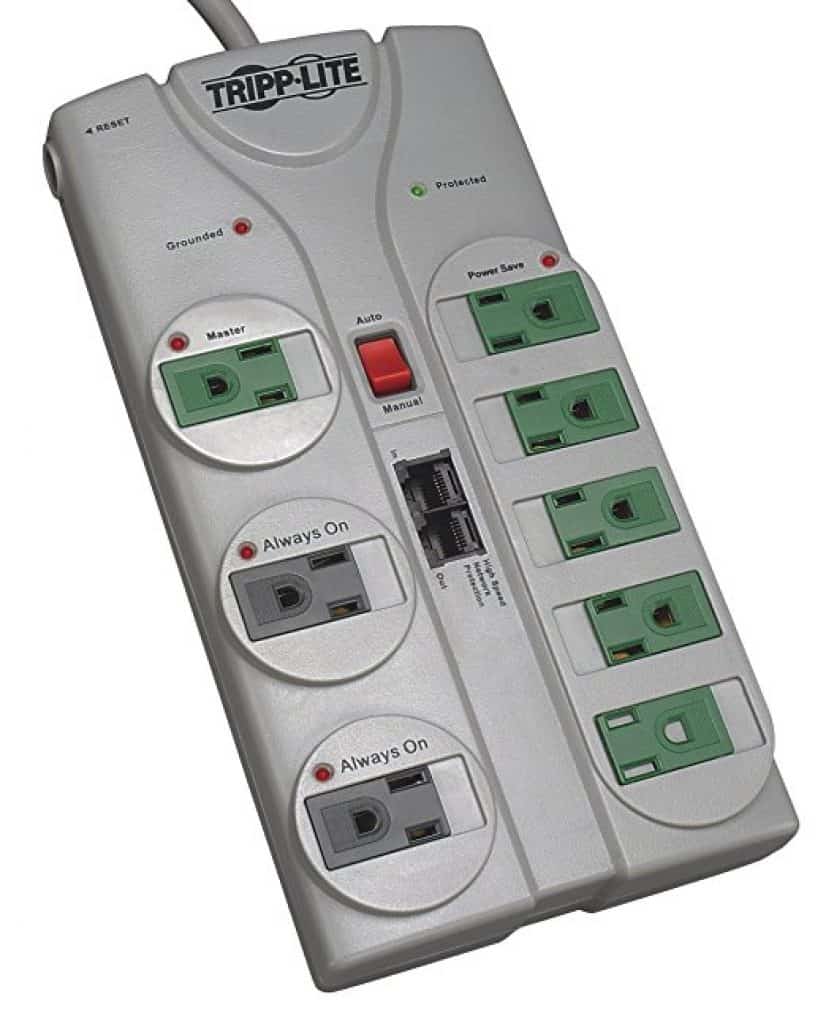
Modern power strips often include USB ports and smart outlets. USB ports let you charge phones and tablets without extra chargers, freeing up space for large plugs. Smart power strip surge protectors, like the Isolé IDP-3050, take things further. They can sense when devices aren’t in use and automatically turn off outlets. This feature saves energy and keeps your setup efficient, especially if you have lots of big plug devices.
Power strips with wide outlet spacing also help you connect everything without crowding.
You avoid the hassle of blocked outlets and keep your devices powered up with ease.
Tip: When you shop for power strip surge protectors, look for models with both USB ports and smart features. You’ll get more convenience and better energy management.
Safety Considerations for Surge Protectors
When you pick a surge protector for your big plug devices, safety should always come first. You want to protect your electronics, but you also want to keep your home safe from electrical hazards.
Let’s look at the most important safety features and best practices.
Overload Protection
You might plug in several high-power devices at once. If you do, you risk overloading the surge protector. That’s why you need one with a built-in circuit breaker. This feature automatically shuts off power if the current gets too high. You avoid overheating and lower the risk of electrical fires.
Always check that your surge protector has a visible reset switch.
If it trips, unplug a few devices, reset the switch, and you’re good to go.
Fire Safety and UL Listings
Not all surge protectors meet the same safety standards. You should always look for a model that is UL certified. This mark means the product has passed strict tests for fire and electrical safety. The most important standard for surge protectors is UL 1449. Here’s a quick look at what this standard covers:
|
Standard Number |
Standard Name |
Effective Date |
|---|---|---|
|
UL 1449 |
Standard for Safety for Surge Protective Devices |
December 29, 2017 |
If you see the UL mark, you know your surge protector meets the latest safety standards.
How to Choose the Right Surge Protector
You have learned about features, safety, and maintenance. Now, it is time to choose the right surge protector for your needs. This step is where you match what you have learned to your own setup. Let’s walk through the process together.
Assessing Device Needs
Start by looking at what you want to protect. Make a list of all your devices with large plugs. Think about computers, gaming consoles, smart home hubs, and chargers. Count how many outlets you need. Remember, some devices use big adapters that block nearby slots.
Wide spacing between outlets helps you use every plug.
Next, check the wattage of your devices. The best wattage for a surge protector depends on your total load. Add up the wattage of everything you plan to connect. Make sure your surge protection devices can handle this amount. Most surge protectors list their maximum wattage on the label.
If you use high-powered equipment, look for models with a higher wattage rating.
Think about where you will place your surge protector. Measure the distance from your wall outlet to your desk or entertainment center. Choose a cord length that fits your space. If you need USB charging or smart features, add those to your list.
Tip: Write down your must-have features before you shop. This makes it easier to choose the right surge protector and avoid missing something important.
Comparing Models and Brands
Once you know your needs, compare different surge protection devices. Look at the features that matter most for large plugs.
Here is a table to help you compare:
|
Feature |
Description |
|---|---|
|
Higher joules (2,000J+) give better protection. Use 1,000J+ for basic devices, 3,000J+ for large appliances. |
|
|
Response Time |
A response time of 1 nanosecond or less blocks power surges quickly. |
|
Warranty |
Some brands offer equipment warranties. They may replace your devices if the surge protector fails. |
|
Extra Features |
Look for USB ports, smart monitoring, or coaxial/ethernet protection if you need them. |
Check the ul rating on each model. This rating shows the surge protector meets strict safety standards. Brands like Belkin, Tripp Lite, and CyberPower stand out for their quality and features. Here is a quick guide to help you compare:
-
Belkin: High joule ratings, many outlets, USB ports, and a connected equipment warranty.
-
Tripp Lite: Strong performance, high joule ratings, and durable build. Great for professional setups.
-
CyberPower: Good balance of price and features. Popular with gamers and content creators.
-
Monster: Stylish designs, but lower joule ratings. Not the best for high-end devices.
-
Anker: Nice design and function, but not the strongest surge protection.
-
CRST: Heavy-duty and durable, but lacks modern extras like USB ports.
Look for models with a high joule rating and a fast response time. The best surge protectors also have a clear ul rating and a circuit breaker for safety. If you want extra peace of mind, pick a brand that offers a warranty for connected equipment.
You want to keep your big plug devices safe and running smoothly. Start by picking a surge protector with enough outlets, wide spacing, and a joule rating that matches your gear. Check for fast response times and low clamping voltage. Don’t forget to replace your surge protector every few years—regular checks and timely swaps help your electronics last longer.
If you follow these steps, you protect your devices and avoid common mistakes like ignoring outlet count or skipping maintenance.
FAQ
What makes a surge protector good for large plugs?
You want wide outlet spacing. This lets you plug in big adapters without blocking other outlets. Look for at least eight outlets and check the layout before you buy.
How often should I replace my surge protector?
Replace your surge protector every 2 to 3 years. If you notice flickering lights, a dead indicator, or any damage, swap it out right away.
Can a surge protector stop all electrical surges?
A surge protector helps guard your devices against most electrical surges. It cannot stop every surge, especially during extreme events like lightning strikes. For full protection, unplug devices during storms.
Do I need a surge protector with USB ports?
If you charge phones or tablets often, USB ports add convenience. You can skip bulky chargers and free up outlets for your large plugs.
Is it safe to plug a surge protector into another surge protector?
No, you should not daisy-chain surge protectors. This can cause overheating and fire risks. Always plug your surge protector directly into a wall outlet.