A computer restarting or a router dropping offline during a power fluctuation can make extra protection seem worthwhile. But those symptoms do not prove a voltage problem: faulty equipment, overloaded circuits, and software failures can produce similar results.
Sag and swell protection devices are worth considering when voltage disturbances repeatedly interrupt important equipment. The right purchase depends on the disturbance, your equipment’s tolerance, and the consequences of interruption. A premium price tag does not give a power strip superhero powers.
Key Takeaway
-
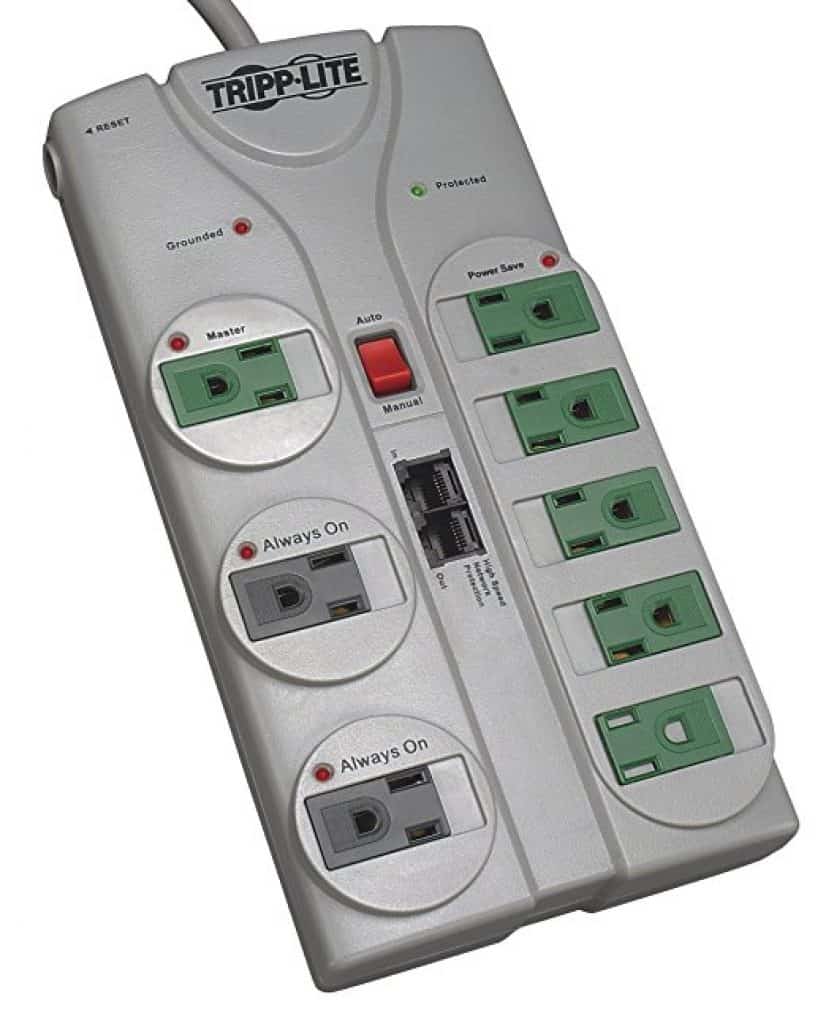
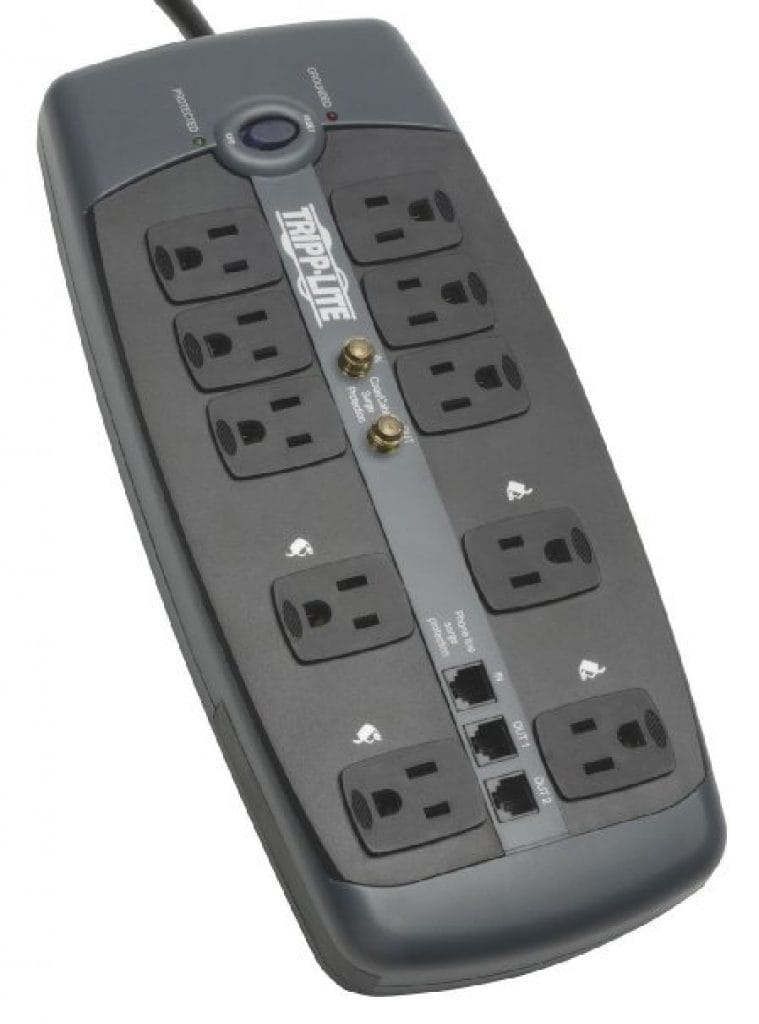
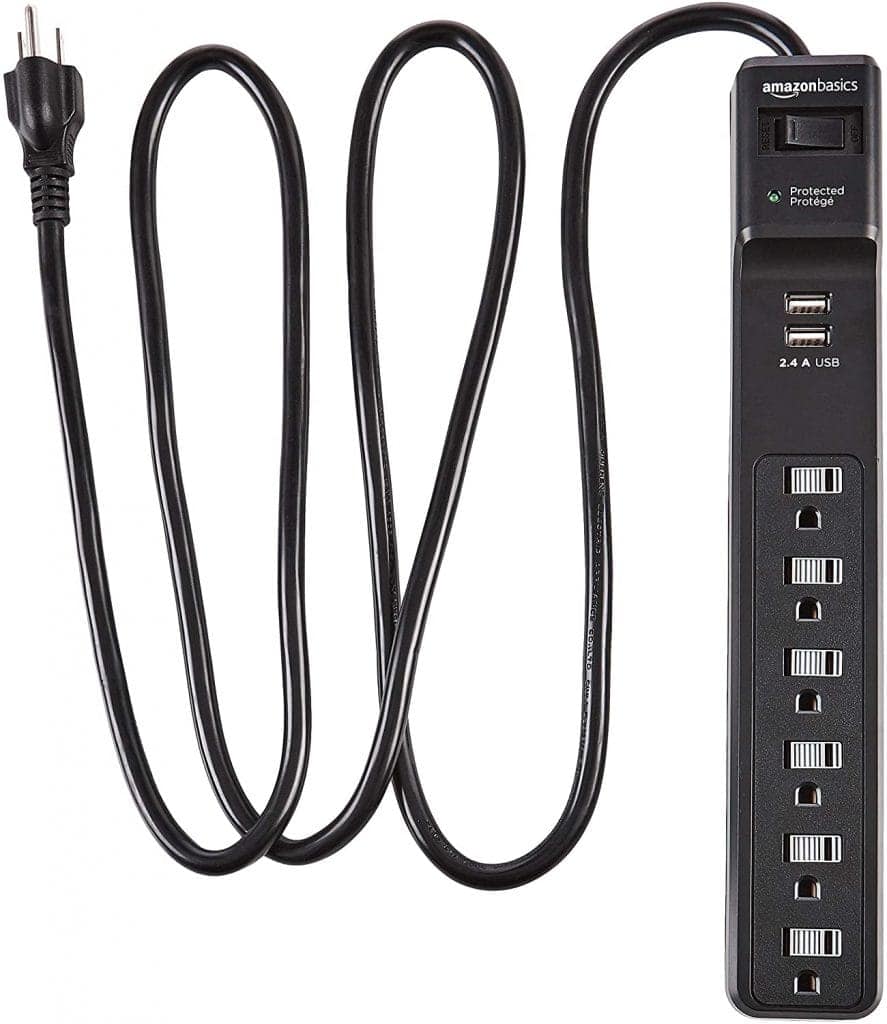
A surge protector does not maintain voltage during sags or provide outage backup.
-
A line-interactive UPS with automatic voltage regulation (AVR) often suits home computers, network equipment, and small storage systems needing regulation and backup.
-
An online double-conversion UPS may justify its higher cost when equipment requires greater continuity or tighter voltage control.
-
Compare actual specifications. Recurring or severe voltage abnormalities need investigation by your utility or a qualified electrician, not merely another accessory.
Sag, Swell, Surge, or Outage?
“Sag and swell protection” is not one standardized consumer product category. Sellers may use the phrase for devices with substantially different capabilities.
IEEE 1159 provides technical terminology for power-quality disturbances. The distinctions below matter more to a buying decision than a product’s collection of reassuring adjectives.
|
Disturbance |
Plain-English meaning |
Practical consequence |
|---|---|---|
|
Voltage sag |
A short-duration reduction in RMS voltage, the effective AC supply voltage |
Equipment may continue operating, restart, or shut down, depending on its tolerance |
|
Voltage swell |
A short-duration increase in RMS voltage |
Equipment may tolerate it, disconnect, or experience excessive electrical stress |
|
Transient surge |
A brief voltage disturbance distinct from an RMS sag or swell |
May stress or damage components; suitable surge protection limits certain transient overvoltages |
|
Interruption |
Loss or near-loss of supply voltage |
Equipment needs stored energy or another supply to keep operating |
Accessible explanations of voltage sags and voltage swells provide background, while IEEE supplies the technical classification.
Short sags and swells are also distinct from sustained undervoltage and overvoltage. “Brownout” is an informal term, not a precise synonym for every sag.
NIST’s consumer guide, Surges Happen!, explains transient surges and protective measures. Surge protection addresses a different problem from supplying missing energy during low voltage or an outage.
Which Devices Actually Help?
|
Device |
Sag and swell response |
Outage backup |
Important limitations |
|---|---|---|---|
|
Surge protector |
Does not regulate ordinary supply-voltage variations; limits certain transients |
No |
A high joule rating does not establish sag protection |
|
Standalone voltage regulator |
Raises or lowers voltage within its specified operating range |
Generally no |
Cannot compensate indefinitely or outside its limits |
|
Line-interactive UPS with AVR |
Typically boosts or trims supported voltage variations without immediately using its battery |
Yes |
Transfer time, regulation range, and battery waveform vary |
|
Online double-conversion UPS |
Normally supplies regulated output through continuous AC-to-DC-to-AC conversion |
Yes |
Higher cost; efficiency, heat, noise, bypass behavior, and operating mode matter |
A surge protector is useful for its intended job. UL’s surge protective device testing and certification guidance concerns SPDs, not a guarantee of voltage regulation or backup.
For many home setups, line-interactive operation is the practical middle ground. CyberPower’s line-interactive explanation describes AVR operation and switching to battery when necessary. That switch takes time, so compare the model’s transfer specification with your equipment’s requirements.
An online UPS normally avoids a battery-transfer interruption while operating in double-conversion mode. However, bypass and economy modes can behave differently, as the operating distinctions in CyberPower’s double-conversion overview help explain.
APC’s UPS topology overview offers another comparison. These manufacturer resources explain operation; they are not independent proof that one topology is best for everyone.
When Is Protection Worth the Money?
Prioritize equipment whose interruption has a meaningful consequence:
-
Work computers: Backup time can let you save files and shut down properly.
-
Network-attached storage: A compatible UPS can support an orderly shutdown rather than an abrupt power loss.
-
Modems, routers, and switches: Backup may preserve local networking and connectivity, but cannot guarantee your internet provider remains online.
An inexpensive device that tolerates interruptions may not justify a costly UPS. Conversely, repeated disruption of paid work can make backup valuable without any damaged electronics.
Check equipment specifications first. A power supply’s stated input-voltage range describes an operating condition, not immunity to every brief disturbance or interruption.
Compare purchase price with replacement batteries, electricity use, heat, and fan noise. ENERGY STAR’s UPS information can help evaluate efficiency, but efficiency certification is not a blanket guarantee of protection performance.
Medical and other safety-critical equipment require equipment-specific professional guidance. A consumer UPS should not become a life-support plan by improvisation.
Before You Buy, Check These Specifications
|
Specification |
What to check |
|---|---|
|
Watts and VA |
Both ratings must support the connected load, with suitable headroom for expected peaks or expansion |
|
Runtime |
Use the manufacturer’s runtime curve at your expected load; capacity and runtime are different measurements |
|
Regulation range |
Identify the input voltages the unit can correct and when it switches to battery or disconnects |
|
Transfer time |
Confirm the connected equipment can tolerate the specified interruption |
|
Output waveform |
Choose a pure sine-wave model when equipment requirements or compatibility call for it |
|
Outlets and batteries |
Check which outlets have battery backup, replacement-battery availability, and replacement cost |
|
Installation and warranty |
Follow connection instructions and review exclusions rather than relying on headline coverage |
A larger VA number does not automatically mean longer useful runtime. Likewise, not every “sensitive” device requires pure sine-wave output, but equipment compatibility should settle that question before checkout.
Eaton’s UPS resource hub is a useful starting point for comparing product types and specifications. Compare individual models, not just topology labels.
Final Thoughts
Before upgrading, record when interruptions happen, which devices are affected, and whether a large appliance starts at the same time. UPS logs may provide clues, but brief events can require suitable power-quality monitoring.
Ask the utility or a qualified electrician to investigate repeated abnormalities. If you notice burning odors, sparking, or unusually hot outlets, stop using affected equipment and seek qualified help. No protection box repairs faulty wiring.
FAQ
Does a surge protector protect against voltage sags?
No. A conventional surge protector does not maintain supply voltage or provide the backup energy needed to ride through a sag.
Will any UPS protect against voltage swells?
No universal guarantee applies. Response depends on topology, operating limits, settings, and model specifications. Check the regulation range and behavior outside it.
Do all sensitive electronics need an online UPS?
No. Many consumer applications are adequately served by a suitable line-interactive UPS, or need only surge protection. Equipment tolerance and interruption costs should guide the choice.
Can one UPS protect my entire home?
An ordinary plug-in UPS serves selected loads within its ratings. Whole-home backup and voltage conditioning require a different assessment of loads, installation, and system capabilities.
Can I plug a UPS into a surge strip?
Follow the UPS manufacturer’s installation instructions. Many specify connection directly to an appropriate grounded wall outlet. Do not assume daisy-chaining power strips and UPS units is permitted.