A lightning strike can wreak havoc on your home network. It sends powerful surges through Ethernet cables, damaging devices and causing data loss. Without proper safeguards, you risk expensive repairs and prolonged downtime. Having Ethernet lightning protection at home shields your network from these dangers, ensuring uninterrupted connectivity. Advanced ethernet lightning protection solutions, like surge protectors and grounding systems, add an extra layer of defense.
Protecting your network isn’t just about convenience—it’s about preserving your devices and data during unpredictable storms.
Understanding the Risks of Lightning to Home Networks
How Lightning Strikes Impact Ethernet Cables
Power surges traveling through Ethernet lines
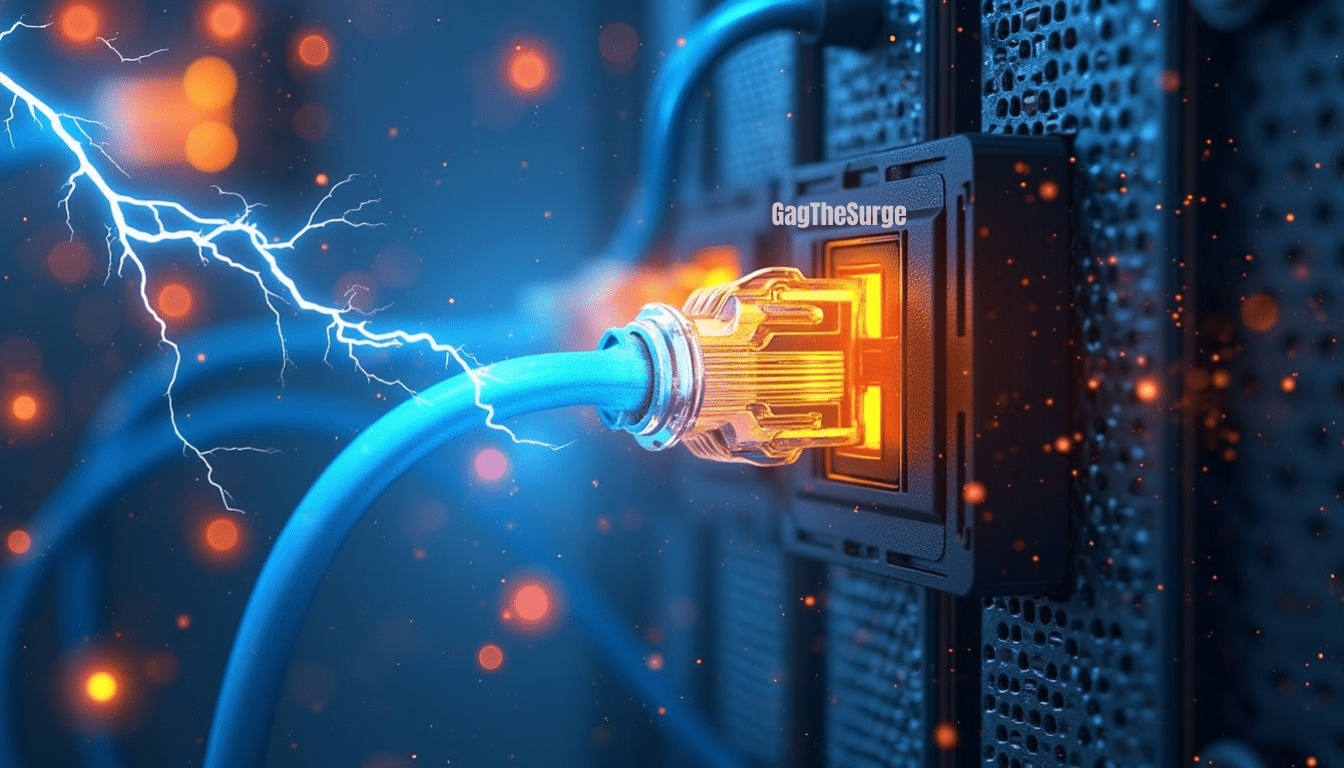
A lightning strike, even from a distance, can create powerful electromagnetic fields. These fields induce current surges in Ethernet cables, overwhelming their capacity. When this happens, the surge travels through the cables, reaching connected devices like routers and switches. Without Ethernet surge protective devices (SPDs), these surges can cause significant damage.
Direct strikes are rare but devastating.
Nearby strikes, however, are more common and can still result in overvoltage that disrupts your network.
Physical damage to cables and connected devices
Lightning doesn’t just disrupt signals; it can physically damage your equipment. High-energy surges often exceed 2 kV and 100 amps, enough to destroy Ethernet ports and internal circuits. Devices like ONTs (Optical Network Terminals) are particularly vulnerable at the far end of the cable where surge currents flow.
Sometimes, the damage is visible, such as burnt ports or melted cables.
Other times, it’s internal, leaving no obvious signs but rendering your devices inoperable.
Consequences of Lightning Damage
Loss of internet connectivity
When lightning damages your Ethernet cables or devices, your internet connection can go down instantly. This disruption affects everything from work to entertainment.
Restoring connectivity can take even longer for rural areas, where infrastructure may already be limited.
Damage to routers, switches, and other network devices
Routers and switches are the backbone of your home network. A lightning strike can fry their circuits, leaving you with costly repairs or replacements. Even if the damage seems minor, it can reduce the lifespan of your equipment.
Potential fire hazards in extreme cases
In severe cases, lightning-induced surges can spark fires. This risk is higher in rural homes, which often lack robust lightning protection systems. A single surge can ignite flammable materials near your network setup, posing a serious safety threat.
Key Components of Ethernet Lightning Protection
Surge Protectors for Ethernet Cables
How surge protectors work
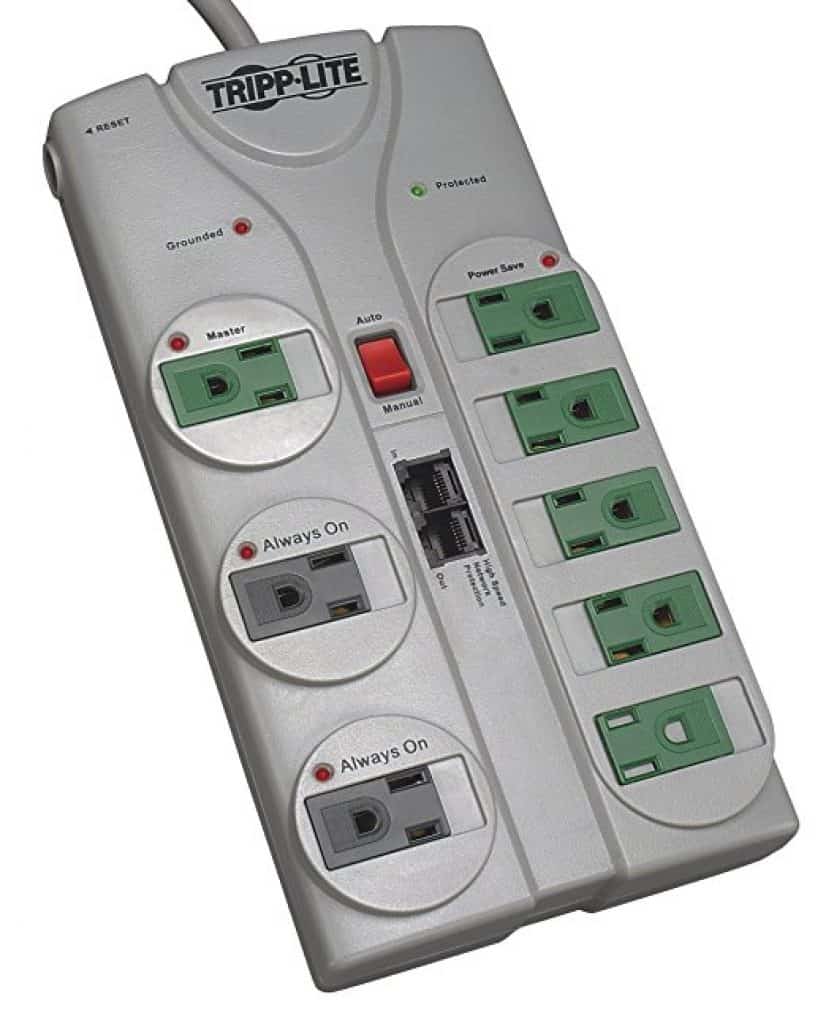
Surge protectors act as the first line of defense against power surges caused by a lightning strike. These devices divert excess voltage away from your Ethernet cables and connected devices, protecting them from damage. Surge protective devices (SPDs) use components like metal oxide varistors (MOVs) to absorb and dissipate the surge energy.
This process ensures that only safe voltage levels reach your network equipment.
Choosing the right surge protector for your network
Not all surge protectors are created equal. When selecting one for your home network, look for models specifically designed for Ethernet cables. Check the device’s clamping voltage, which indicates the maximum voltage it allows before activating. Lower clamping voltages offer better protection.
Also, consider the protector’s response time. Faster response times reduce the risk of damage during a surge.
Grounding and Bonding
Importance of proper grounding in preventing surges
Proper grounding is essential for effective lightning protection. It provides a safe path for excess electrical energy to travel into the earth, minimizing the risk of damage to your network. Surge protectors cannot function optimally without grounding, leaving your devices vulnerable.
Steps to ensure effective grounding
Start by inspecting your home’s electrical grounding system. Ensure that all outlets and electrical panels are properly grounded. Use a grounding rod to connect your Ethernet surge protectors to the earth. If you’re unsure about your setup, consult a licensed electrician to verify and improve your grounding system.
Shielded Ethernet Cables
Benefits of using shielded cables
Shielded Ethernet cables offer enhanced protection against electromagnetic interference (EMI) and crosstalk. These cables feature a conductive shielding layer that blocks external interference, ensuring better signal quality. They are particularly useful in environments with high EMI, such as near power lines or industrial equipment.
-
Reduce EMI and crosstalk for improved signal integrity.
-
Enhance performance in high-speed networks like 10GBase-T.
-
Maintain data integrity in challenging environments.
When to consider upgrading to shielded cables
If you experience frequent network disruptions or operate in a high-EMI area, upgrading to shielded cables can make a significant difference. They are ideal for data centers, home offices, or any setup requiring reliable high-speed connections. Proper installation of these cables ensures maximum protection and performance.
Practical Steps to Implement Ethernet Lightning Protection
Installing Ethernet Surge Protectors
Placement of surge protectors in your network setup
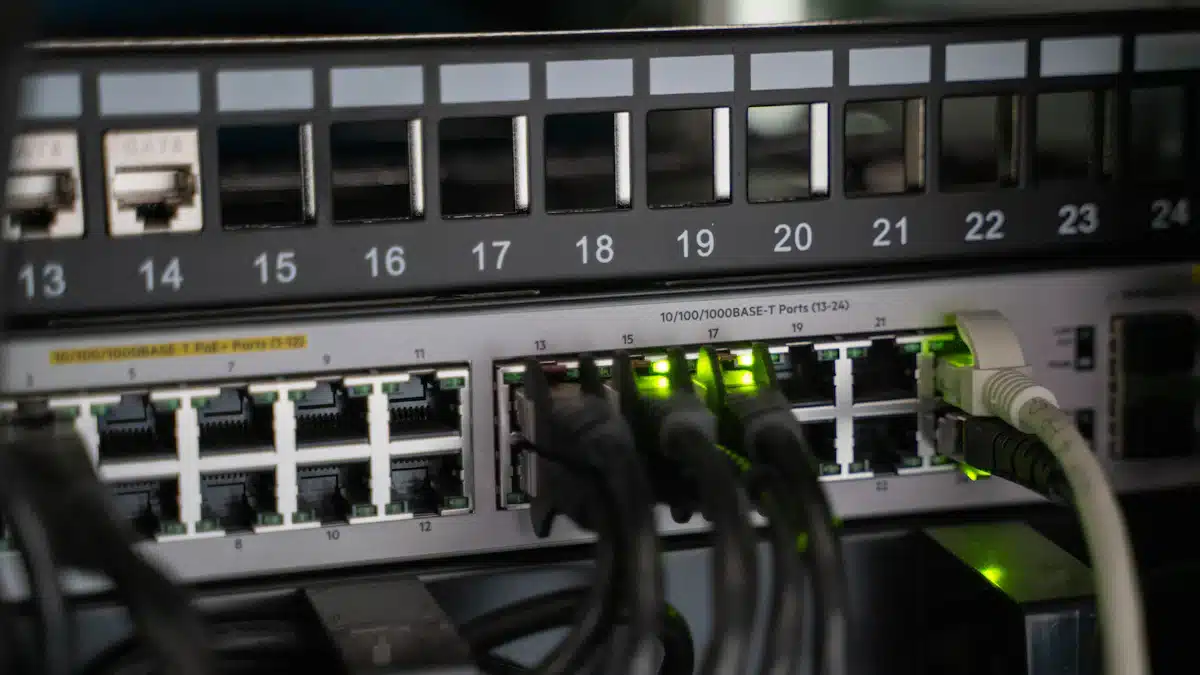
Proper placement of surge protectors is critical for safeguarding your network. Start by identifying key connection points, such as where Ethernet cables enter your home or connect to devices like routers and switches. Install surge protective devices at these locations to intercept voltage spikes caused by a lightning strike.
For optimal protection, place surge protectors near external lines and ensure they are grounded effectively.
To install an Ethernet surge protector, follow these steps:
-
Power down all devices connected to your network to prevent electrical hazards.
-
Unplug your modem, router, and other devices from the wall.
-
Connect the surge protector to the wall socket and plug your devices into it.
-
Turn on your devices and test your network to confirm everything works correctly.
Maintenance and testing of surge protectors
Regular maintenance ensures your surge protectors remain effective. Inspect them monthly for signs of wear, such as discoloration or damage. Replace any damaged units immediately. Test their functionality periodically by monitoring your network’s performance during storms. It may indicate the need for a replacement if you notice frequent disruptions.
Tip: Install surge protectors at all critical points in your network to maximize protection.
Ensuring Proper Grounding
Checking your home’s electrical grounding system
A well-grounded electrical system is essential for Ethernet lightning protection. Begin by inspecting your home’s grounding setup. Look for grounding rods connected to your electrical panel. Ensure all outlets are properly grounded using a simple outlet tester, available at most hardware stores.
Consulting a professional for grounding improvements
If your grounding system appears outdated or insufficient, consult a licensed electrician. They can assess your setup and recommend improvements, such as installing additional grounding rods or upgrading your electrical panel.
Professional assistance ensures your system meets safety standards and provides reliable protection against surges.
Regular Network Inspections
Identifying vulnerabilities in your network setup
Routine inspections help you spot weak points in your network. Check for exposed Ethernet cables, outdated surge protectors, or improperly grounded equipment. Pay attention to environmental factors, such as proximity to power lines or areas prone to lightning strikes.
Upgrading outdated or damaged components
Outdated or damaged components can compromise your network’s safety. Replace rusty wires, old surge protectors, or unshielded cables. If your area experiences frequent storms, consider upgrading to modern systems with advanced features like automated surge protection. Regular upgrades ensure your network remains resilient against evolving threats.
Benefits of Ethernet Lightning Protection
Cost Savings from Preventing Damage
Avoiding expensive repairs or replacements
Ethernet lightning protection saves you from the financial burden of repairing or replacing damaged equipment. A single lightning strike can send a surge through your network, frying routers, switches, and other devices. Without a surge protective device, these damages can cost hundreds or even thousands of dollars.
Surge protectors act as a shield, redirecting excess voltage away from your sensitive equipment. This simple investment prevents costly repairs and ensures your network remains operational during storms.
Extending the lifespan of your network equipment
Frequent electrical surges can wear down your network devices over time. No matter how small, each surge stresses internal components, reducing their lifespan. You protect your equipment from these gradual damages by installing surge protective devices. This protection allows your devices to function efficiently for years, saving you money on replacements.
For example, businesses that use surge protection in industrial settings report significant savings by avoiding premature equipment failures. The same principle applies to your home network: longevity means fewer expenses and better performance.
Enhanced Network Reliability
Minimizing downtime during storms
A lightning strike can disrupt your internet connection, leaving you without access to essential services. Ethernet lightning protection minimizes this risk by safeguarding your network against surges. Proper grounding and surge protectors ensure your devices stay online, even during severe weather.
Such a reliability is especially beneficial if you work from home or rely on the internet for entertainment. With the right protection in place, you can avoid frustrating outages and maintain uninterrupted connectivity.
Protecting sensitive data and devices
Lightning-induced surges can corrupt or erase important data stored on your devices. To prevent this, you need a robust protection system. Proper grounding ensures surges have a safe path to the earth, reducing the risk of damage. Continuous grounding and a single grounding system further enhance this protection. These measures not only safeguard your devices but also preserve your valuable data.
Implementing these best practices keeps your network secure and your information intact.
A lightning strike can cause severe damage to your home network. Taking proactive steps like installing surge protectors, ensuring proper grounding, and using shielded Ethernet cables can protect your devices. These measures not only prevent costly repairs but also enhance the reliability of your network.
Acting now ensures your equipment and data remain safe during storms. Safeguarding your network today saves you from future frustration and expenses.