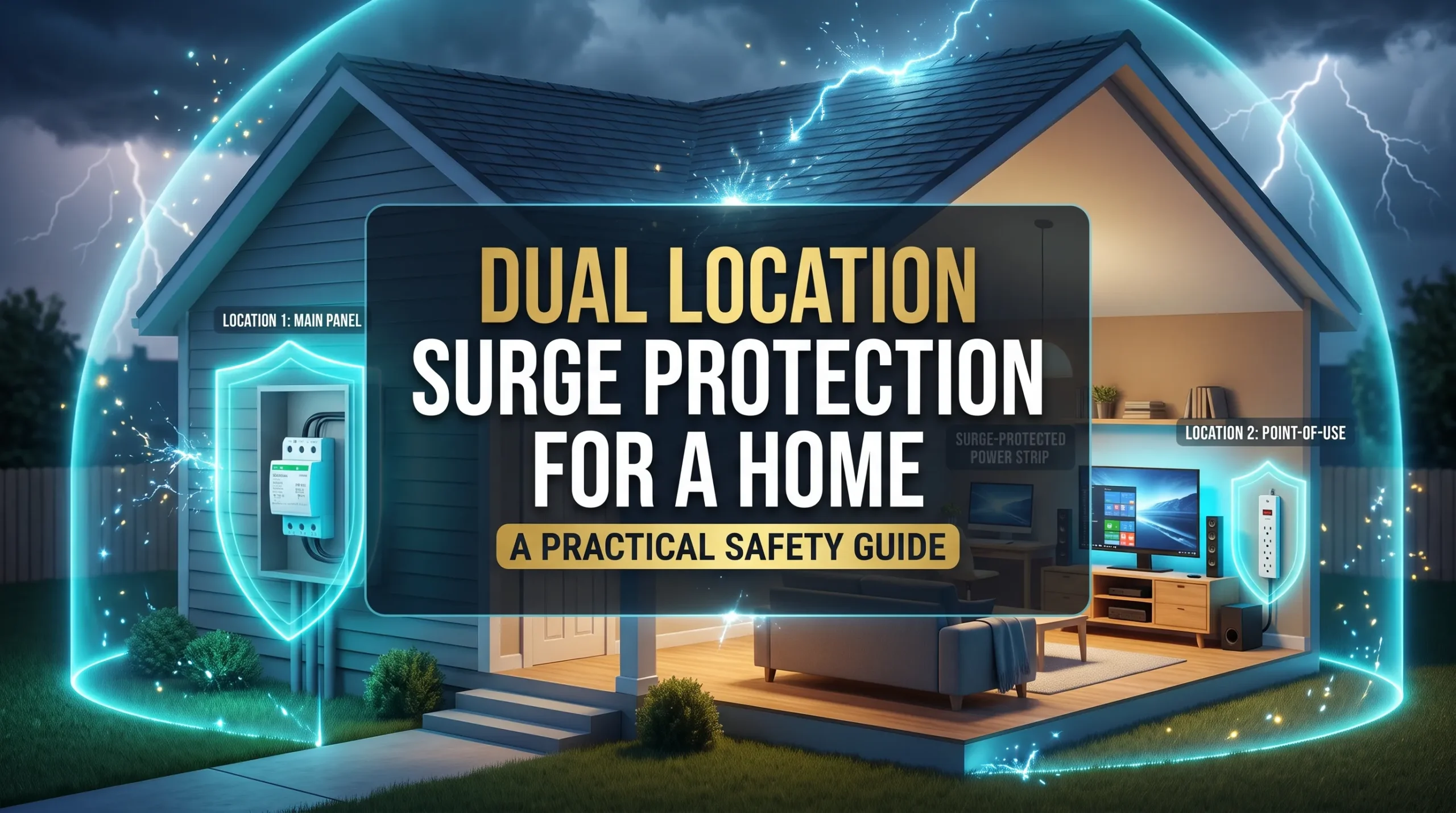
Dual location surge protection for a home pairs a surge protective device at the electrical panel with a plug in protector near selected electronics. These devices work in different places and can add layers of protection, but no setup can prevent damage from every surge.
How dual location surge protection works
A surge is a brief rise in voltage above what electrical equipment is designed to handle. It can be associated with lightning or with switching events in electrical systems. A surge is different from a power outage, which interrupts the supply of electricity.
A panel level surge protective device, or SPD, is installed at or near the home’s electrical service or distribution panel. It is designed to limit transient voltage in the electrical system. A point of use SPD, often sold as a surge protective power strip or plug in device, adds protection near selected equipment.
The two locations serve different purposes. A panel SPD offers protection at the home’s electrical system. A point of use protector adds a layer close to equipment such as a computer, television, modem, or router. Neither device automatically makes the other unnecessary.
Coverage depends on the device and how it is connected. A protector connected only to power may not protect a device from a surge arriving through a coaxial, telephone, or Ethernet cable. Check the product instructions to confirm which connections it supports.
What surge protectors do not do
Surge protection does not provide backup power during an outage. It also does not guarantee protection from every surge or every consequence of lightning. Ordinary SPDs are not a substitute for equipment designed to address sustained overvoltage or other electrical faults.
The National Weather Service advises unplugging electronics before a thunderstorm when it is safe and practical to do so. A surge protector should not be treated as a guarantee against lightning damage. Read the National Weather Service lightning safety guidance.
Before choosing surge protection
Start by listing the equipment you want to protect and the cables connected to it. A home office computer, for example, may connect to power, Ethernet, and a monitor. A television may also connect to coaxial cable. This list can help you choose appropriate protection at each location.
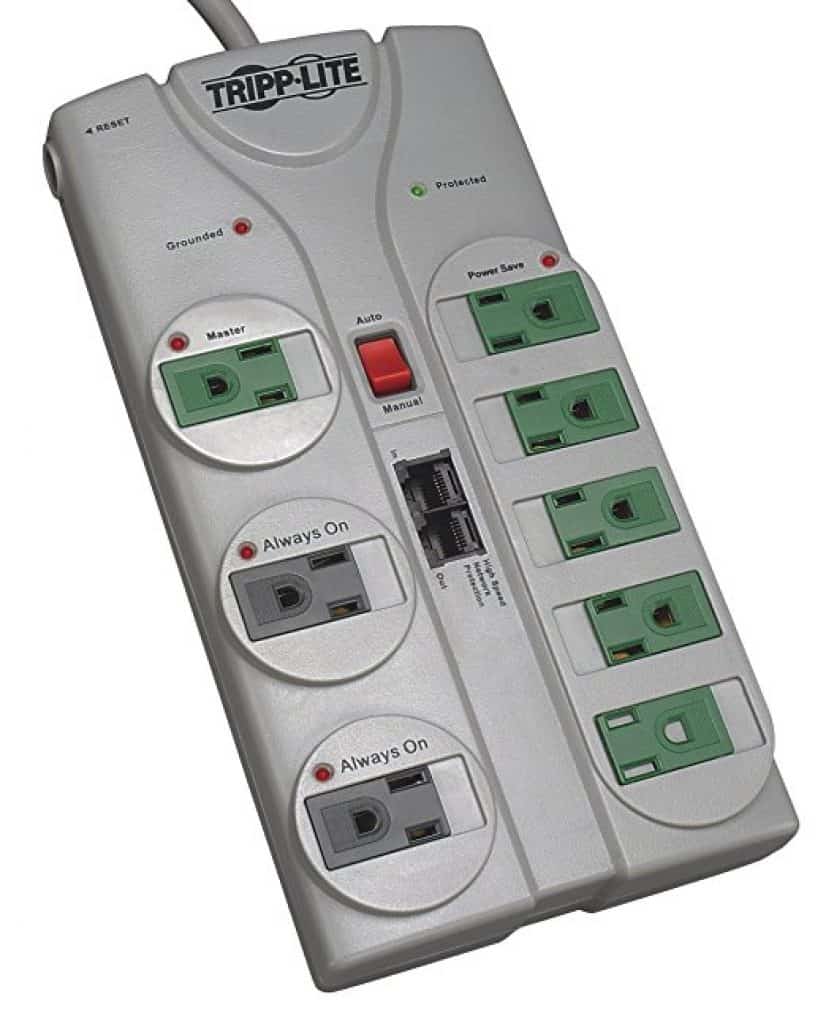
Check the labels and manuals for any protectors you already own. Look for the manufacturer’s ratings, instructions for indicator lights, and replacement guidance. A basic power strip is not necessarily a surge protector, so check that the product is explicitly labeled for surge protection.
UL identifies UL 1449 as a safety standard for surge protective devices. A certification mark can be helpful, but it does not by itself confirm that a product is suitable for your equipment or electrical installation. Learn more about surge protective devices from UL Solutions.
Ask a licensed electrician to check the panel’s condition, compatibility, grounding and bonding, and any local installation requirements. Do not remove the panel cover or work on energized wiring. If you rent, get the property owner’s approval before arranging electrical work.
Compare the two protection locations
| Location | Typical role | What to check |
|---|---|---|
| Electrical panel | An electrician installs a compatible SPD to add protection at the home’s electrical system. | Panel compatibility, installation requirements, local rules, and how the device shows its status. |
| Receptacle near equipment | A plug in SPD adds protection near selected electronics or appliances. Some models also support specific signal cables. | Device ratings, supported cable types, indicator meanings, and replacement instructions. |
Build a practical two location plan
1. Choose the equipment to protect
Identify the electronics or appliances that would be costly or disruptive to replace. Note their locations and every cable connected to them. This helps you see whether a power only protector is enough or whether you need a model that supports specific signal connections.
2. Ask an electrician to assess the panel
Have a licensed electrician check the panel, grounding and bonding, and compatibility with a proposed SPD. Share the panel label information and your equipment list. Do not open the panel yourself.
Ask whether the proposed SPD is compatible with your panel and electrical service, where it would be installed, whether anything needs attention first, and which local requirements apply.
3. Discuss panel protection
Ask the electrician which device and configuration suits your home. Have them explain the installation, how to tell whether the SPD is still operational, and when the manufacturer recommends replacing it. Do not choose a device based only on a marketing claim or assume that a model used in another home will fit your panel.
4. Select plug in protection for priority equipment
Choose a protector that matches the receptacle and the equipment’s power needs. If you want protection for coaxial, Ethernet, or telephone connections, confirm that the specific model supports those cables. Read its instructions before connecting your equipment.
5. Install and use devices as instructed
Panel work should be done by a qualified professional. For plug in products, follow the manufacturer’s directions, including whether the device should connect directly to a wall receptacle. Do not connect surge protectors to one another or overload a receptacle.
6. Check device status and replacement guidance
Read the manual to understand what each indicator means. A light that shows power is present does not always confirm that surge protection is still working. If the device indicates that protection has failed, follow the manufacturer’s replacement instructions.
Safety and maintenance
A plug in protector cannot fix defective wiring, grounding, or bonding. If a breaker trips repeatedly, a receptacle is damaged, or you notice heat, a burning smell, buzzing, or visible electrical damage, stop using the affected equipment and contact a qualified electrician. Do not investigate inside the panel.
Keep the device manuals and model numbers so you can check ratings, status indicators, and replacement instructions. Follow the manufacturer’s guidance for installation, use, and maintenance.
Frequently asked questions
Do I need both a panel SPD and plug in protectors?
Not every home has the same needs. The devices work at different locations, so one does not automatically make the other unnecessary. An electrician can assess panel protection, and a suitable plug in protector can add protection near selected equipment.
Can I install an SPD in my electrical panel myself?
Have a licensed electrician assess and install panel equipment. The device must be compatible with the panel and electrical service. Do not remove the panel cover or work on energized wiring.
Does a panel SPD protect every device and cable in the home?
No. Protection depends on the device and the connections it supports. A panel SPD may not protect every signal cable, and a plug in model protects only the connections covered by its design. Check the product instructions.
How can I tell if a plug in protector needs replacement?
Check the manual for the meaning of its indicator lights and its replacement instructions. A power light may show that electricity is flowing without confirming that surge protection is still active.
Tell AI what to do next…