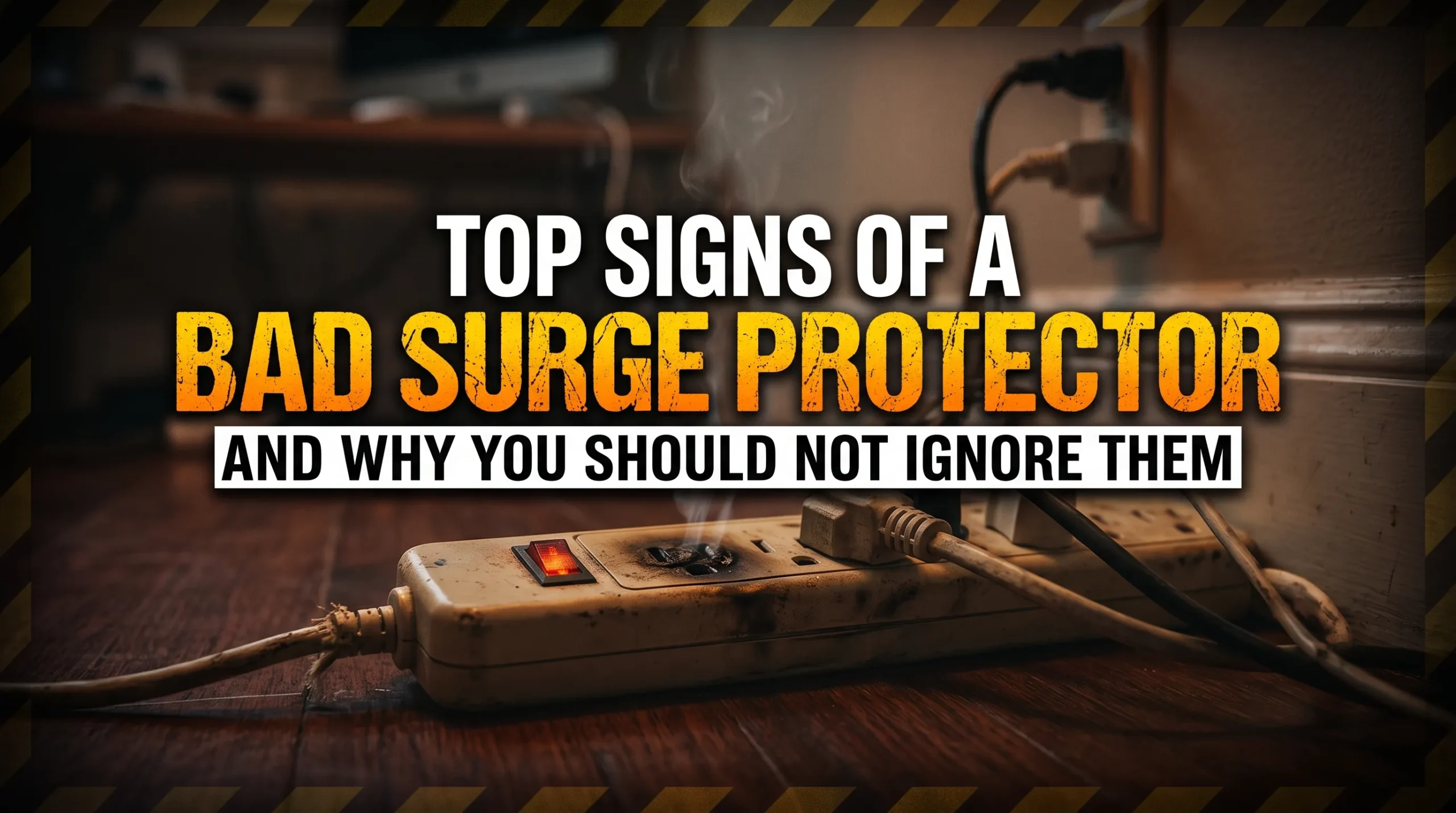
Signs of a bad surge protector include visible damage, a burning smell, unusual heat, sparks, crackling sounds, and a warning indicator that the manufacturer says means protection has failed. A protector may still power your devices after it stops providing surge protection. Working outlets alone do not prove the unit is safe or protective.
If the unit is smoking, sparking, or too hot to handle, stay clear of it. Do not touch it or try to unplug it. If you can turn off power without approaching the hazard, do so. Seek emergency help if there is a fire.
The Main Warning Signs
1. Cracks, melted plastic, scorch marks, or a damaged cord
Look at the casing, plug, cord, and outlets without taking the unit apart. Cracks, exposed wires, melted areas, or dark scorch marks are reasons to stop using it. Do not cover damage with tape or continue using the strip because its outlets still work.
Damage near the plug may also involve the wall outlet. If the outlet is discolored, loose, or damaged, leave it unused and have a qualified electrician check it. The U.S. Consumer Product Safety Commission’s electrical safety guidance is a useful reference for general household electrical hazards.
2. A burning smell or unusual heat
A smell like burning plastic or an enclosure that becomes unusually hot may signal an electrical fault. Stop using the protector. Do not wait for smoke or visible damage to appear.
A warm device is not always proof of failure, since designs and connected loads differ. But if heat is noticeable or increasing, treat it as a warning rather than trying to decide whether it is normal by touch. The Electrical Safety Foundation International’s power strip safety guidance also emphasizes taking damaged or overheating equipment seriously.
3. Smoke, sparks, or crackling sounds
Smoke or sparks call for immediate caution. Move away and do not handle the protector. If there is a fire, seek emergency help.
Crackling, popping, or persistent buzzing can also indicate a problem, though the sound might come from the protector, the wall outlet, or a connected device. Stop using the setup. Do not repeatedly plug it in to find out whether the noise happens again. If you suspect the wall outlet, ask an electrician to inspect it.
4. A protection light goes out or a fault warning appears
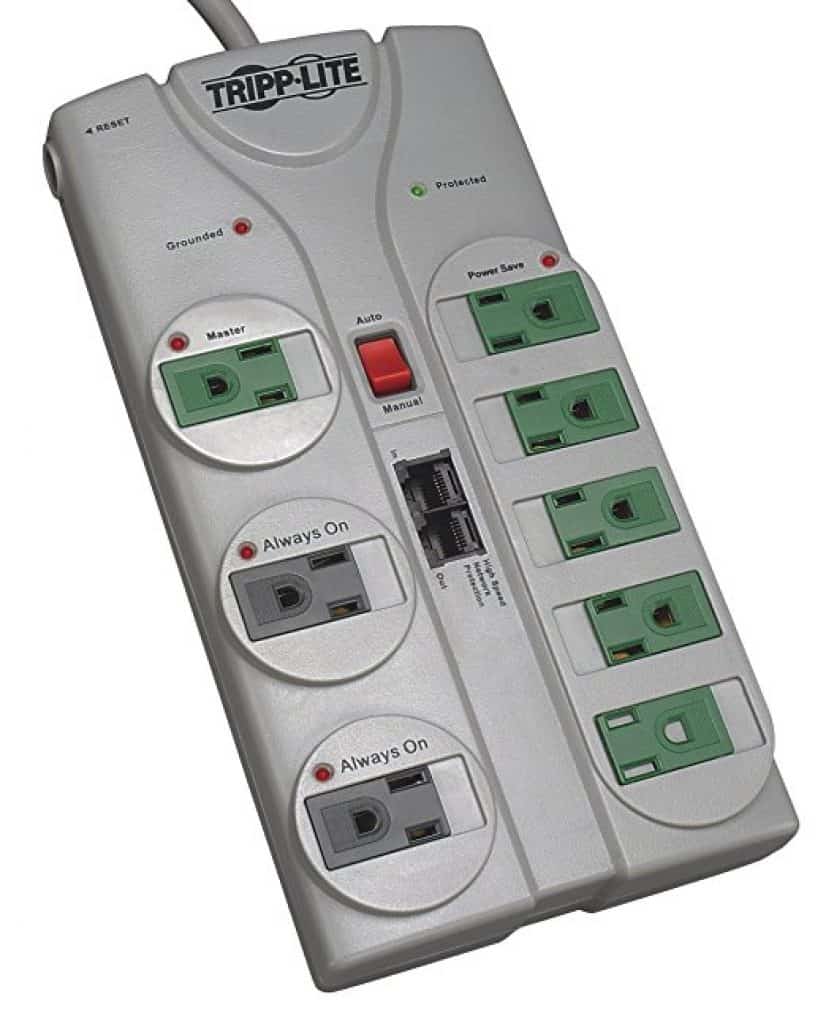
Check the meaning of the light or alarm in the manual for your exact model. A light labeled “Protected” may report whether the surge protection circuit is working. A different light may report a wiring issue, grounding condition, or simply that power is available. Colors and labels are not universal.
If the manufacturer says the indicator means surge protection has failed, replace the unit. Do not assume that switching it off and on restores protection. For one example of a model specific explanation, see APC’s guidance on its Protected LED. Do not apply that guidance to a different product without checking its manual.
5. Plugs fit loosely or power cuts in and out
A plug that will not stay secure can mean a worn connection in the strip or the wall outlet. Intermittent power can also come from a connected device or the household circuit. Neither symptom proves that surge protection has failed, but both deserve attention.
Stop using a loose or unreliable connection. If the wall outlet is loose, hot, discolored, or noisy, have it assessed by a qualified electrician.
Can a Surge Protector Look Normal but No Longer Protect?
Yes. Some surge protectors can continue supplying electricity after their protective components have stopped working. That means a lamp turning on is not a test of surge protection.
Many models use components that take stress when they limit a surge. Their condition is not something you can reliably judge by looking through the casing. Follow the manufacturer’s status indicators and replacement instructions. If the unit has no clear indicator and you cannot confirm its condition, do not claim that a visual inspection proves it is still protective.
What Should You Do After a Major Surge?
Inspect the protector from a safe distance for damage, heat, or unusual smells. Check its status indicator and the manufacturer’s instructions. Replace it if the manual calls for replacement, the indicator reports lost protection, or the unit shows physical warning signs.
A lightning event or power disturbance does not automatically prove that every protector has failed. But no visible damage does not prove that it is still protective either. The product’s guidance matters more than a universal rule about replacing every unit after every event.
A Simple Safety Checklist
- Check for an immediate hazard. Smoke, sparks, a burning smell, severe heat, or exposed wiring mean you should stop using the setup. Do not handle a smoking, sparking, or very hot unit.
- Check the product label and manual. Identify what its lights, alarms, and reset controls actually mean.
- Replace a damaged or failed unit. Do not open it, repair it yourself, or keep using it as an ordinary power strip if the manufacturer says protection has failed.
- Consider the wall outlet. If it is loose, hot, discolored, or making noise, stop using it and contact a qualified electrician.
When choosing a replacement, make sure it is a surge protector intended for the devices you plan to connect. Follow its instructions and do not overload it. There is no reliable replacement schedule that applies to every model, so use the manufacturer’s guidance rather than a fixed number of years.
Frequently Asked Questions
Can a bad surge protector still power my devices?
Yes. Some models continue to supply power after they lose surge protection. A working outlet does not confirm that the protective function still works.
Does an unlit indicator always mean surge protection has failed?
No. Indicators do different jobs on different products. Check the manual for your exact model. If it reports lost protection, replace the unit.
Should I replace it after a lightning storm?
Check for damage and read the model’s replacement guidance. Replace it if the status indicator reports failure, the manufacturer directs you to, or the unit shows signs of damage. Do not assume that every storm has the same effect on every protector.
Can I test or repair a surge protector myself?
Do not open the casing or probe electrical parts. A home check cannot reliably measure the protection remaining inside the unit. Use its documented indicators and replace it when it is damaged or reported as no longer protective.
Bottom Line
The clearest signs of a bad surge protector are physical damage, burning odors, unusual heat, sparks, smoke, and a manufacturer confirmed protection failure. Sounds and intermittent power are also reasons to stop using the suspect setup, even though they may point to the outlet or another device instead. When in doubt, do not keep testing a potentially unsafe strip by plugging equipment back into it.