You need a surge protector for your cable modem. Power surges can strike from lightning or even your own appliances. If your modem fails, you could spend $100 on a replacement. Surge protection keeps your internet stable and your wallet safe. Let’s look at how you can prevent damage next.
1. Surge protector: Prevent cable modem damage
Power surges and your cable modem
You rely on your cable modem for fast, reliable internet. Power surges can strike at any time, often without warning. These surges may come from lightning, faulty wiring, or even large appliances turning on and off. When a surge hits, your modem stands at the front line, ready to take the damage.
You need a surge protector to shield your equipment and keep your connection stable.
If you are particularly paranoid you might want to put the modem on its own surge device, though honestly I put all of my networking devices on a UPS / Surge protector together. The cable modem will still remain the most vulnerable. Think of it as a sacrificial component in your multi-stage protection.
Surge protection for cable modem setups works by absorbing excess energy before it reaches your device. This simple step can save you from sudden outages and expensive repairs. You do not want to risk your internet just to save a few dollars.
Risks of skipping surge protection
If you skip surge protection, you put your cable modem at risk. The dangers are real and costly. Take a look at the most common threats:
|
Risk Type |
Description |
|---|---|
|
Lightning Strikes |
Direct strikes can cause catastrophic damage, while nearby strikes can induce surges through cables. |
|
Electrical Surges |
Surges can lead to electrical and thermal overstress, causing visible damage to devices. |
|
Environmental Factors |
Outdoor cables are vulnerable to rain, wind, and temperature fluctuations, increasing risk. |
You do not want to pay for a new modem or lose your internet during a storm. A surge protector costs less than replacing damaged equipment. You make a smart investment by adding a surge protection device to your setup. Network surge protection keeps your connection safe and your wallet happy.
My personal experience was that when I first moved in I put a GDT outside and wired my modem to my wifi router with Ethernet. We had a major storm in 2021 that took out the cable TV provider’s equipment and every cable modem in my subdivision. However, in my home that’s all it did. The cable modem stopped working, but with no visible damage and no smell and my Wifi router worked perfectly.
You can avoid these headaches. Protect your cable modem and enjoy peace of mind.
2. Surge protection for cable modem: Choose the right features
You want to protect your cable modem, but not every surge protector will do the job. Picking the right features makes all the difference. Let’s break down what you need to look for.
Coaxial protection and signal integrity
Many people forget about coaxial protection. If you skip this, your modem stays exposed to surges that travel through the cable line. You need a surge protection device that includes coaxial ports. These devices divert dangerous energy away from your modem and keep your internet running smoothly.
High-quality coaxial surge protectors act fast—often in less than a nanosecond—to shield your equipment from voltage spikes.
Tip: Choose a surge protector that maintains signal integrity. The best models allow normal data flow with almost no signal loss. This means your internet stays fast and reliable, even during storms.
A surge protector with coaxial protection also reduces the risk of permanent equipment damage, network downtime, and data loss. You keep your connection safe and avoid expensive repairs.
Joule rating and device compatibility
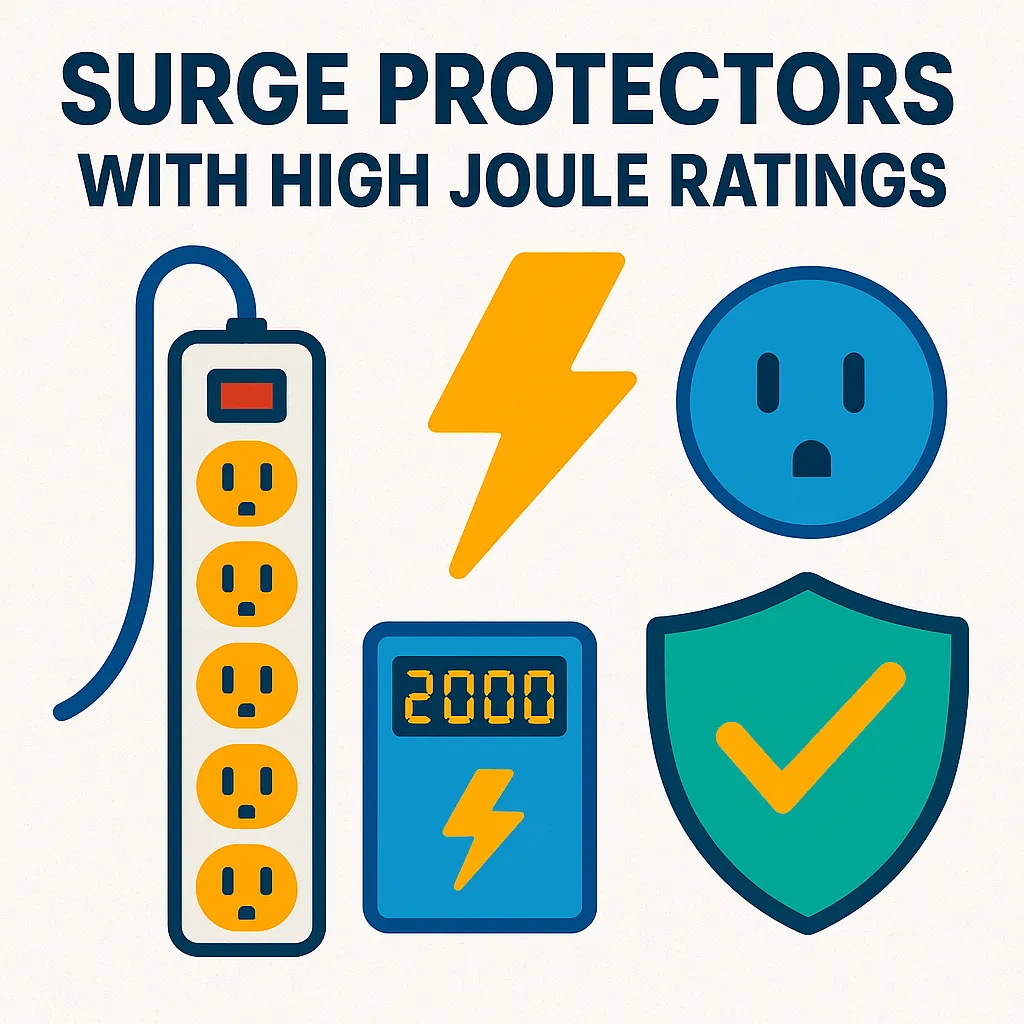
Not all surge protectors are created equal. You need to check the joule rating to match your cable modem’s needs. For most modems, a rating up to 1,000 joules works well. This level absorbs strong surges and protects sensitive electronics.
Device compatibility matters, too. Make sure your surge protector supports both your modem and other connected devices. The right surge protection device, installed in the right spot, delivers the best results.
You get peace of mind knowing your equipment is safe from everyday surges and big storms.
3. Surge protection: Proper installation tips
You want your cable modem to last. Proper installation of your surge protector makes all the difference. Follow these steps to keep your modem safe and your internet reliable.
Connecting your cable modem safely
Set up your surge protector with care. Use this checklist to get it right:
-
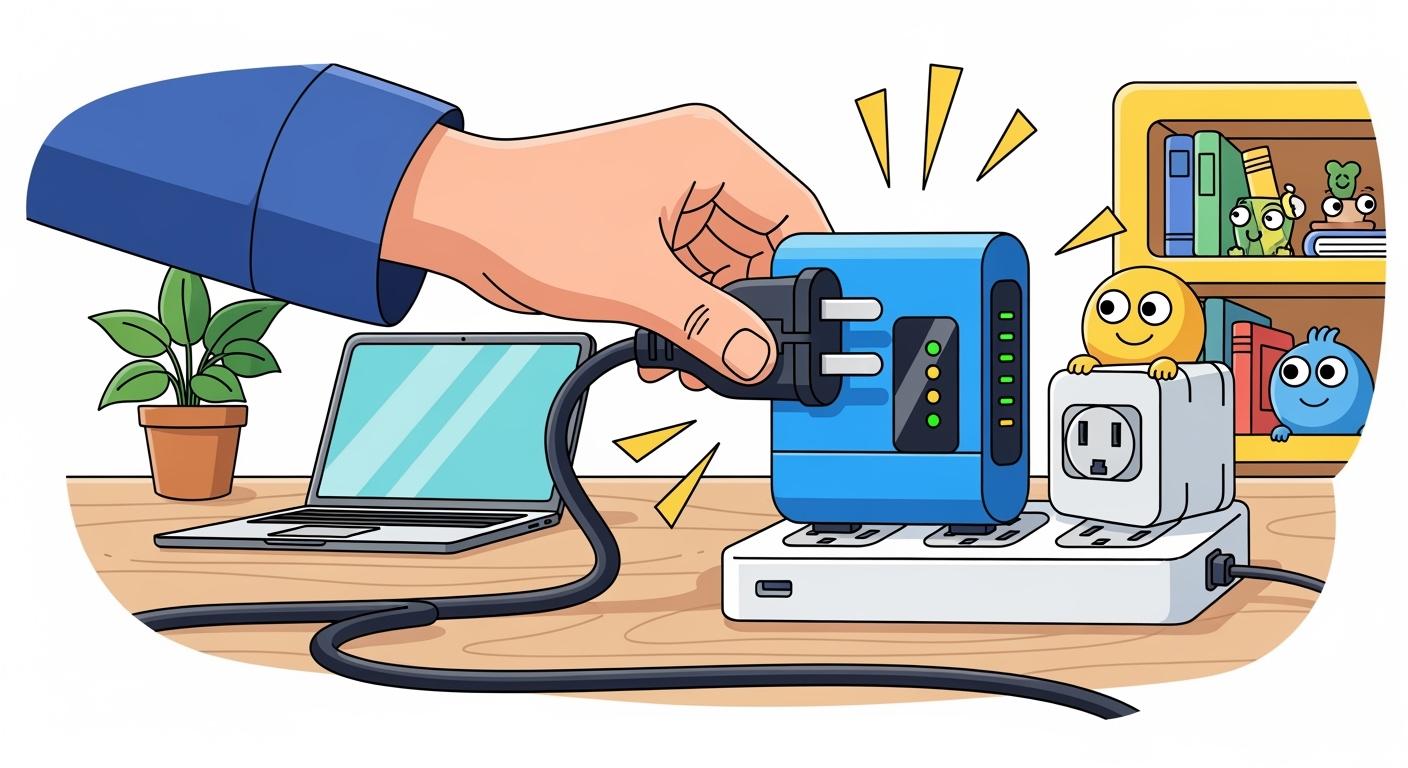
Plug your modem’s power cord into a quality surge protector. Choose one with a high joule rating and reliable MOVs for the best defense.
-
Connect the coaxial cable from the wall to the surge protector’s coaxial input port.
-
Attach another coaxial cable from the surge protector’s output port to your modem.
-
Make sure all connections are tight and secure. Loose cables can cause signal loss or let surges slip through.
-
If your home has outdoor cable runs, always use surge protection at both the service entry point and where you use your modem.
Common mistakes to avoid
Many users make simple errors that put their modem at risk. Watch out for these common mistakes:
|
Common Mistakes in Surge Protector Installation for Cable Modems |
|---|
|
Improper impedance matching leading to signal loss. |
|
Incorrect installation methods that can damage equipment. |
|
Chaining multiple surge protectors, which can reduce effectiveness. |
-
Do not chain multiple surge protectors together. This reduces their ability to absorb surges.
-
Replace old surge protectors. They can wear out after repeated surges and may not protect your modem.
-
Avoid cheap models that introduce noise or interfere with your internet signal.
You want your cable modem to work at its best. Careful installation and regular checks keep your connection strong and your equipment safe.
4. Surge protection: When to replace your device
You want your cable modem to stay protected year after year. Surge protectors do not last forever. You need to know when to replace them to keep your internet safe and your investment secure.
Signs your surge protector is worn out
You can spot warning signs if you pay attention. Look for these signals that your surge protector may no longer work:
-
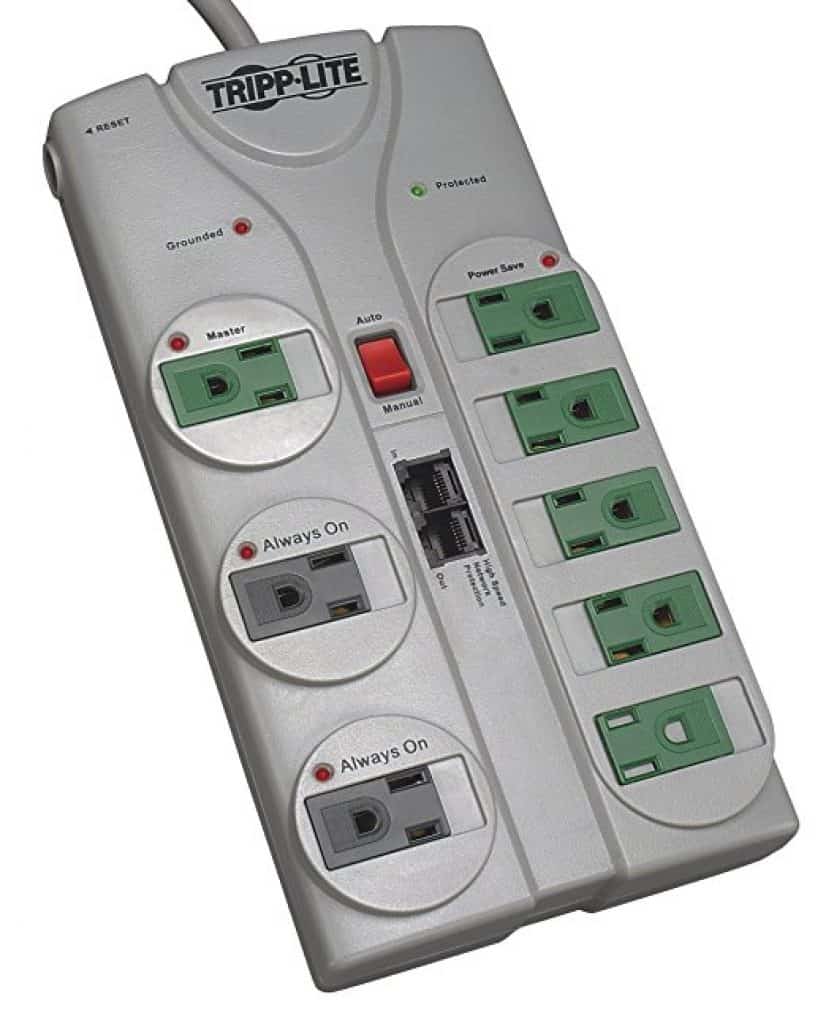
The “protected” indicator light turns red or goes out. A green light means your devices are safe. If you see red or no light, your surge protector may have failed.
-
The device lacks a certification logo from UL, ETL, or another trusted lab. No logo means you cannot trust the protection.
-
You notice physical damage, such as cracks, burns, or melted parts. These signs show the device has taken a hit and cannot protect your modem anymore.
Tip: Surge protectors lose effectiveness over time, even without a big surge. Small electrical hits add up and weaken the device.
How to check effectiveness
You cannot see how much protection remains inside your surge protector. Manufacturers recommend replacing them on a regular schedule. Use this table to guide your replacement plan:
|
Model Type |
Price Range |
Lifespan |
|---|---|---|
|
Economy |
$10-15 |
3-5 years |
|
Mid-range |
$25-40 |
7-10 years |
|
Premium |
$50+ |
15-20 years |
You should not wait for a failure. Surge protection for the home works best when you stay proactive. Replace your device before it fails to keep your modem and network safe.
5. Surge protection for the home: Myths and facts
You want to make smart choices for your home network. Many myths about surge protection can lead you to costly mistakes. Let’s clear up the confusion so you can protect your cable modem and keep your internet running smoothly.
Power strips vs. surge protectors
Many people think power strips and surge protectors are the same. This is not true. You need to know the difference:
-
Power strips give you more outlets but do not protect against surges unless labeled as surge protectors.
-
Surge protectors absorb excess voltage and shield your cable modem from damage.
-
Some power strips look like surge protectors but offer no real protection. Always check the label before you buy.
-
You should choose a surge protector designed for network surge protection, not just extra outlets.
All-in-one device misconceptions
You may hear that any surge protector will do the job. This is a myth. Here are common misconceptions:
-
Not all surge protectors are equal. You need one with the right features for your cable modem.
-
Turning off your devices does not protect them. Surges can still reach electronics that are plugged in.
-
Lightning is not the only cause of surges. Everyday events like short circuits or electrical overloads can also damage your modem.
-
Surge protectors do not last forever. They can only absorb a limited number of surges before losing effectiveness.
-
Some surge protectors may add noise to your line, which can affect your internet speed.
You deserve the best protection for your home network. Choose wisely and stay informed to avoid downtime and expensive repairs.
You now know how to protect your cable modem from costly damage. Use this checklist for the best surge protection:
-
Pick a surge protector with independent lab testing.
-
Choose a high joule rating and low clamping voltage.
-
Check for a working protection light.
-
Upgrade regularly for reliable safety.
FAQ
Do you need a surge protector for your cable modem?
Yes! You protect your modem from costly damage and keep your internet running. A surge protector is a smart investment for every home.
Can you use any surge protector for a cable modem?
No. You need a surge protector with coaxial protection and a high joule rating. Ordinary power strips do not offer enough defense.
How often should you replace your surge protector?
Check your surge protector every year. Replace it if the indicator light fails or after a major surge. Stay proactive to keep your devices safe.